Ishigaki, Japan

Ishigaki, Japan

Ishigaki, Japan Terrain Database Information

  • Imagery: 50 cm
  • Elevation: SRTM 30m
  • Terrain Drive: Asia & Middle East
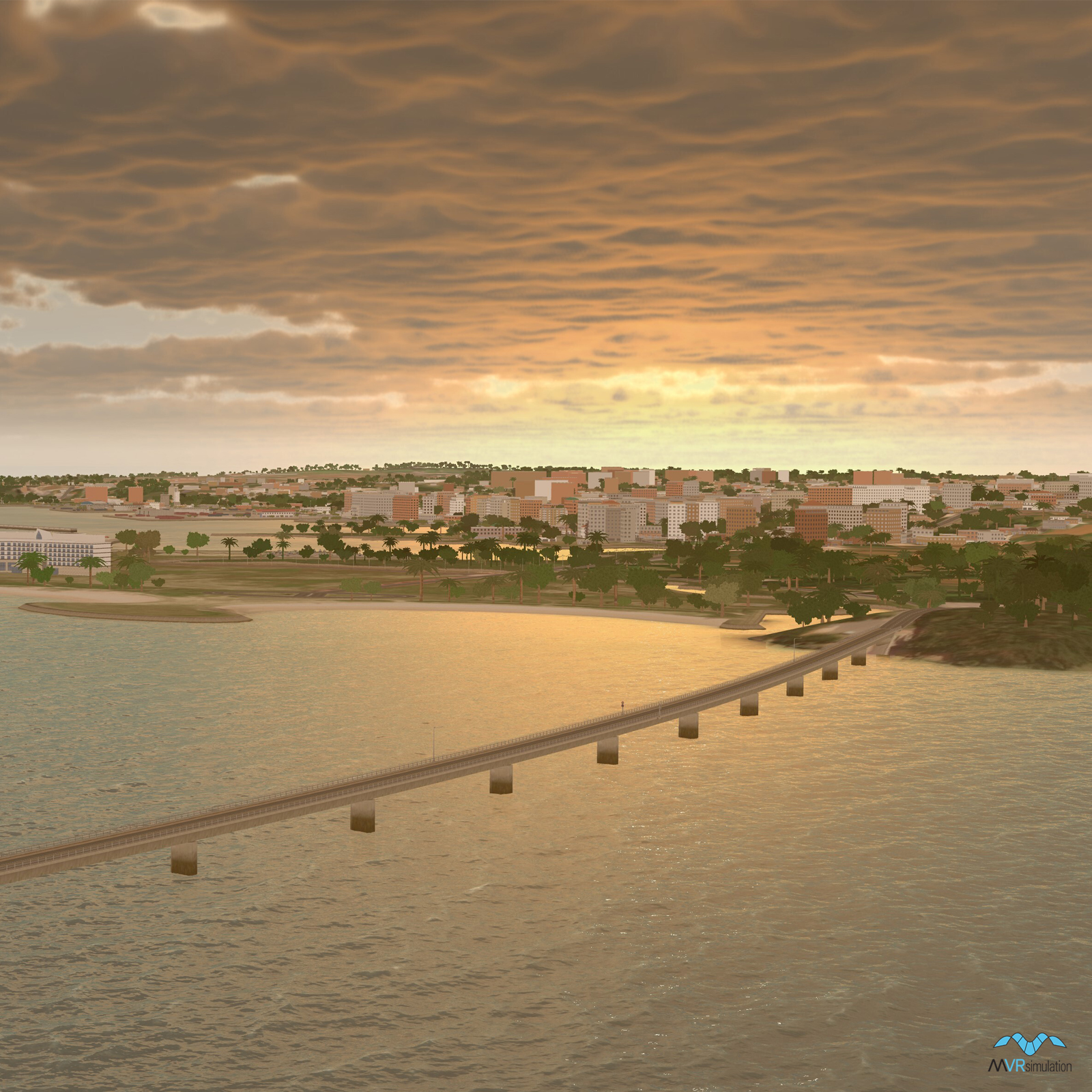
  • Geospecific port inset with over 70 artist modeled buildings and a replica of the Southern Gate Bridge
  • New Ishigaki Airport (ROIG)
  • Cultural Features: Apron or Ramp Areas, CityEngine (Geotypical) Buildings, Control Tower, Custom Models (Geospecific Buildings), Geospecific Bridge, Hangars, Port/Bathymetric Data, Roads, Runway, Runway Lights, Signs, Taxiways and Associated Markings, Trees, Urban Furniture (Benches, Trash Bins, etc), Utility Poles, Powerlines or Transmission Lines, Vehicles (Trucks, Cars, Military Equipment, etc.), Water Features (Lakes, Rivers, etc), Water Tanks/Towers, Windsocks

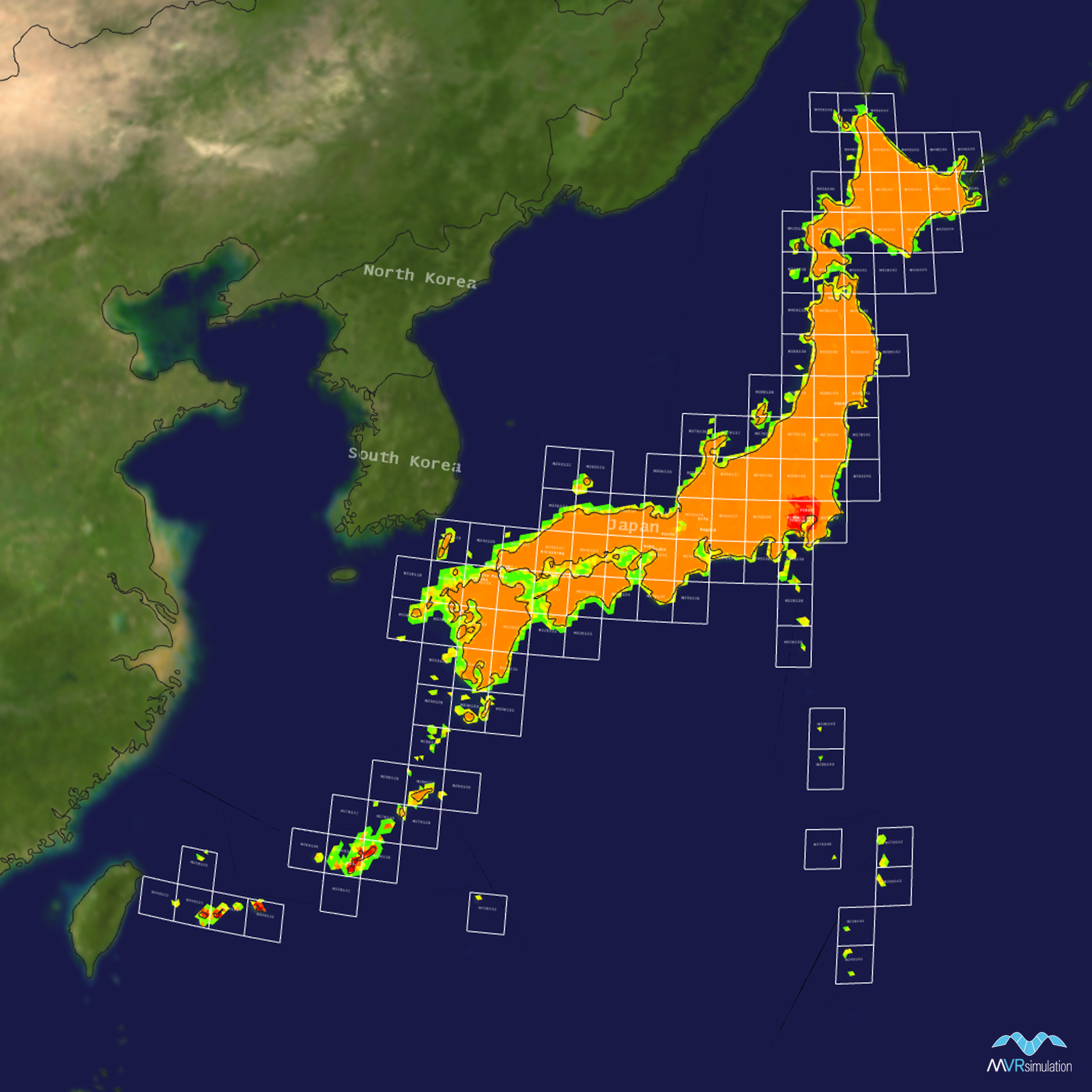
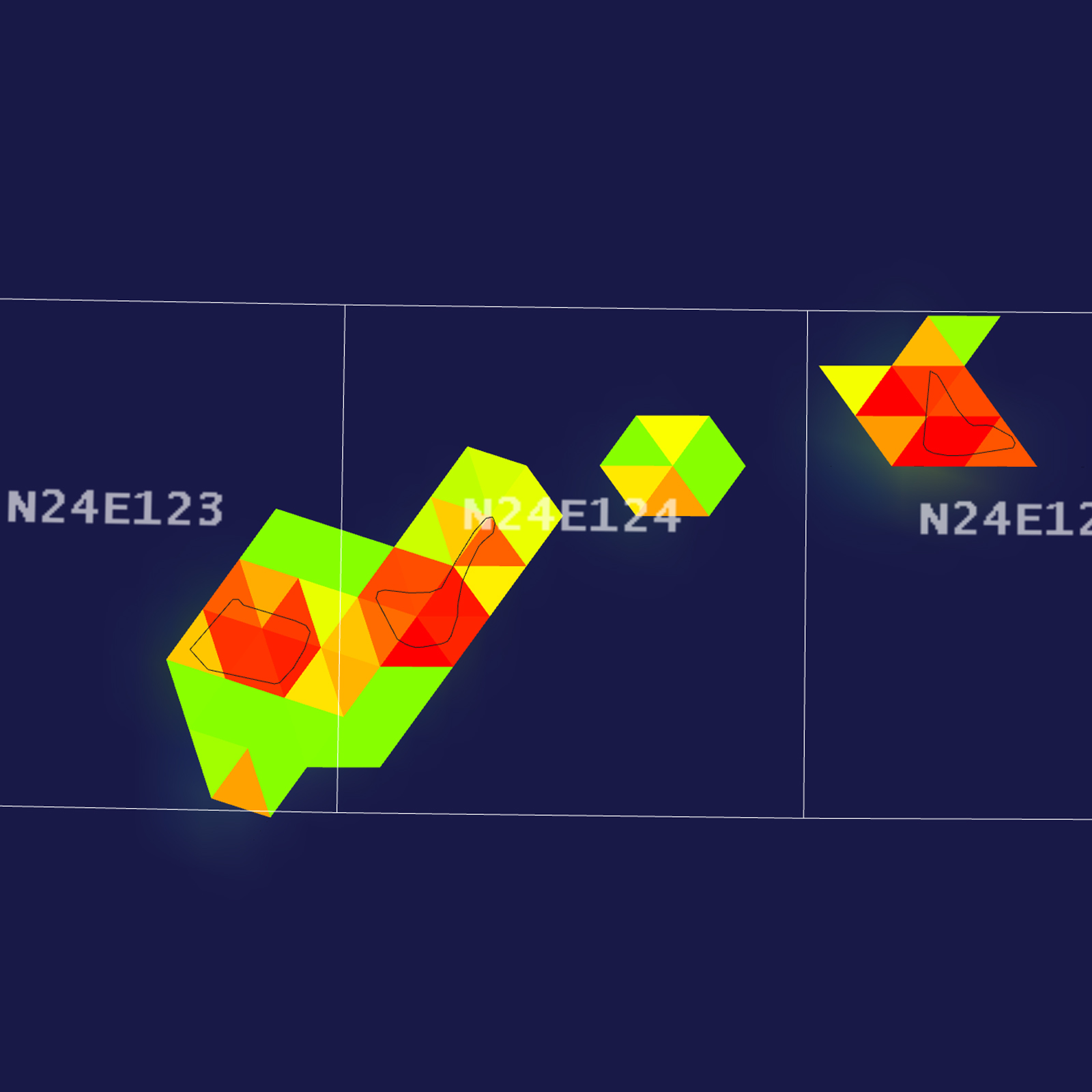
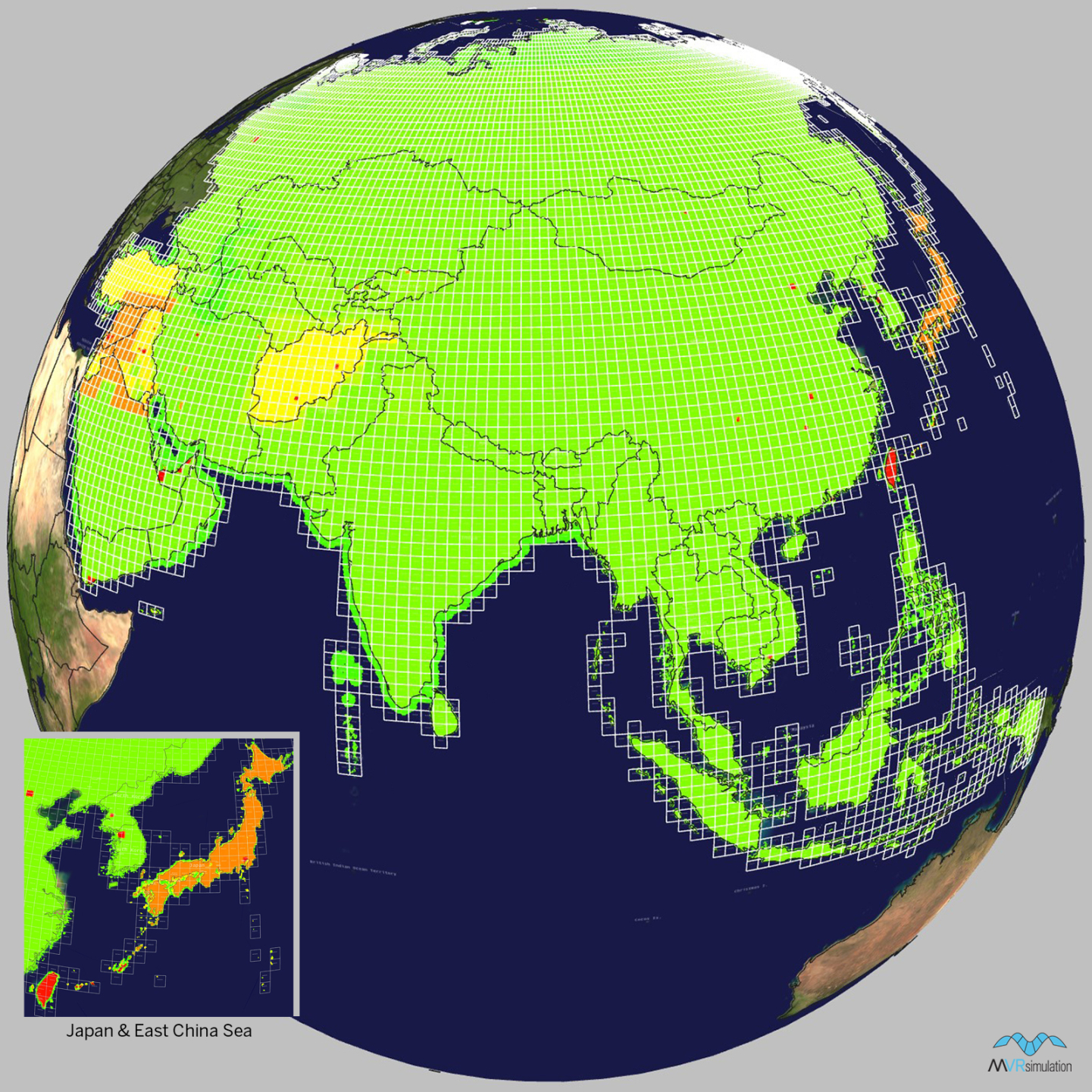
Tile Coverage Map
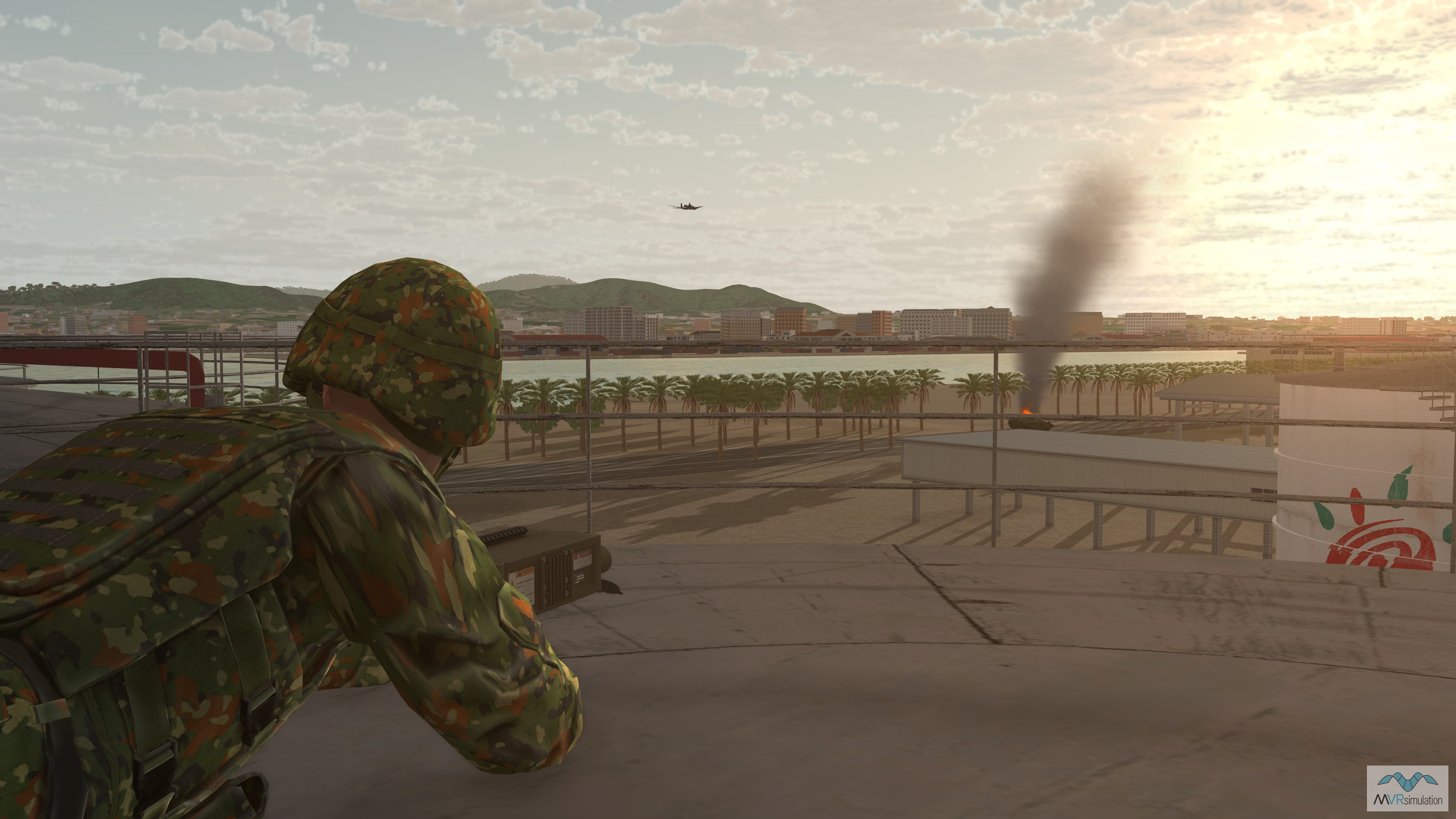
Close air support operation in the port of Ishigaki with a JTAC perched on a water tower.
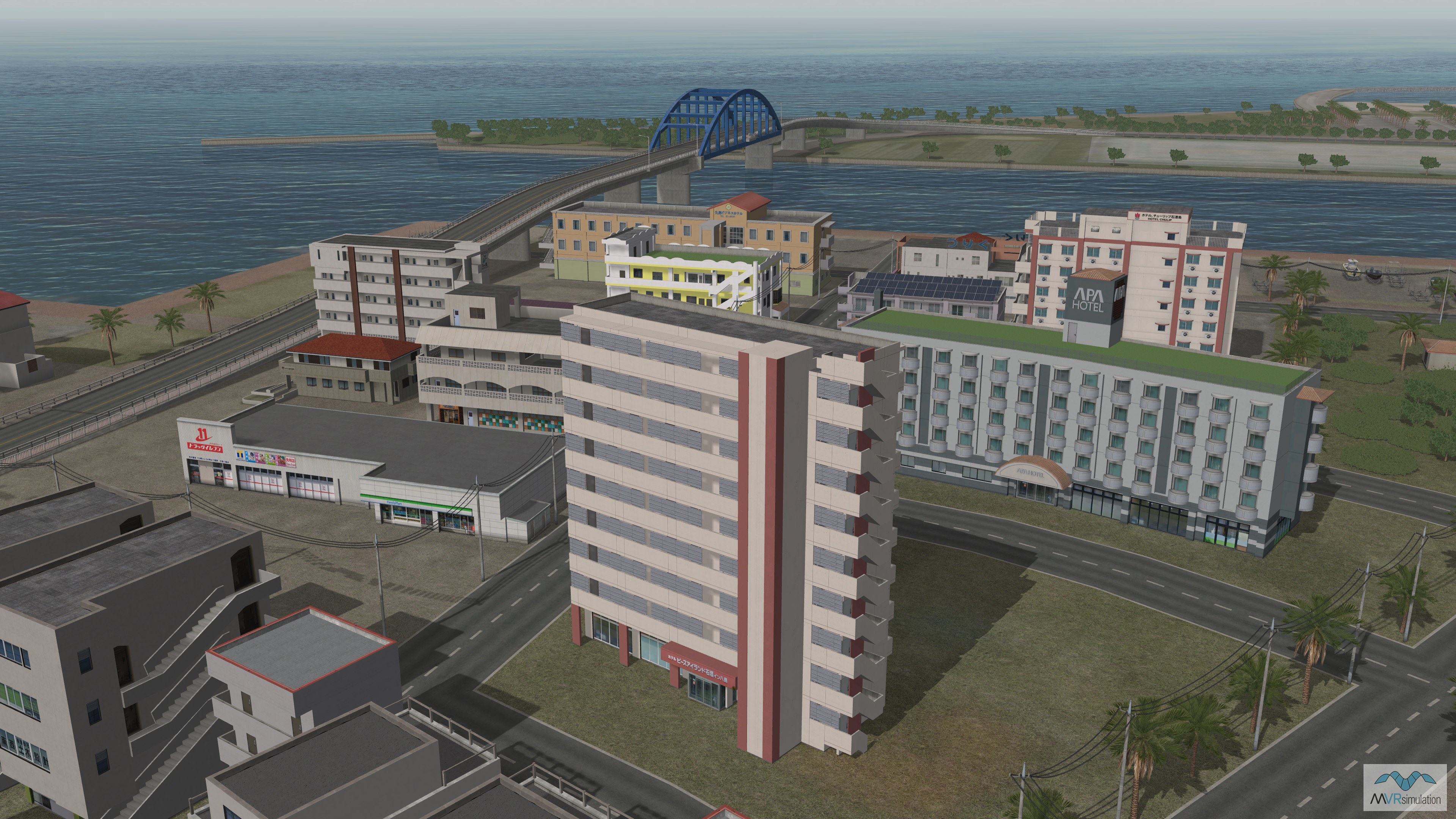
Custom made 3D building models for the port of Ishigaki near Southern Gate Bridge.
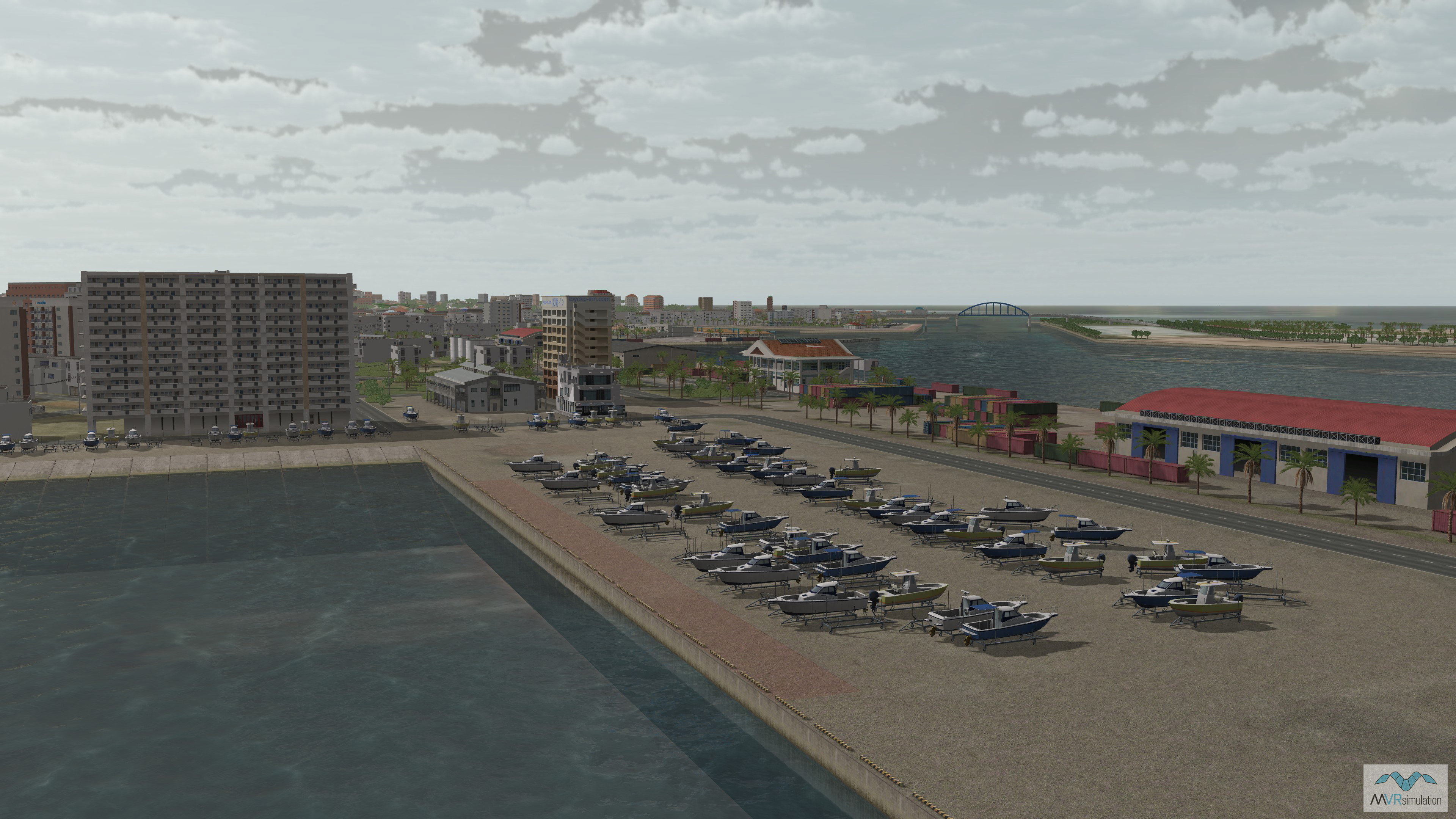
Ishigaki port with boats along with custom and procedural buildings.
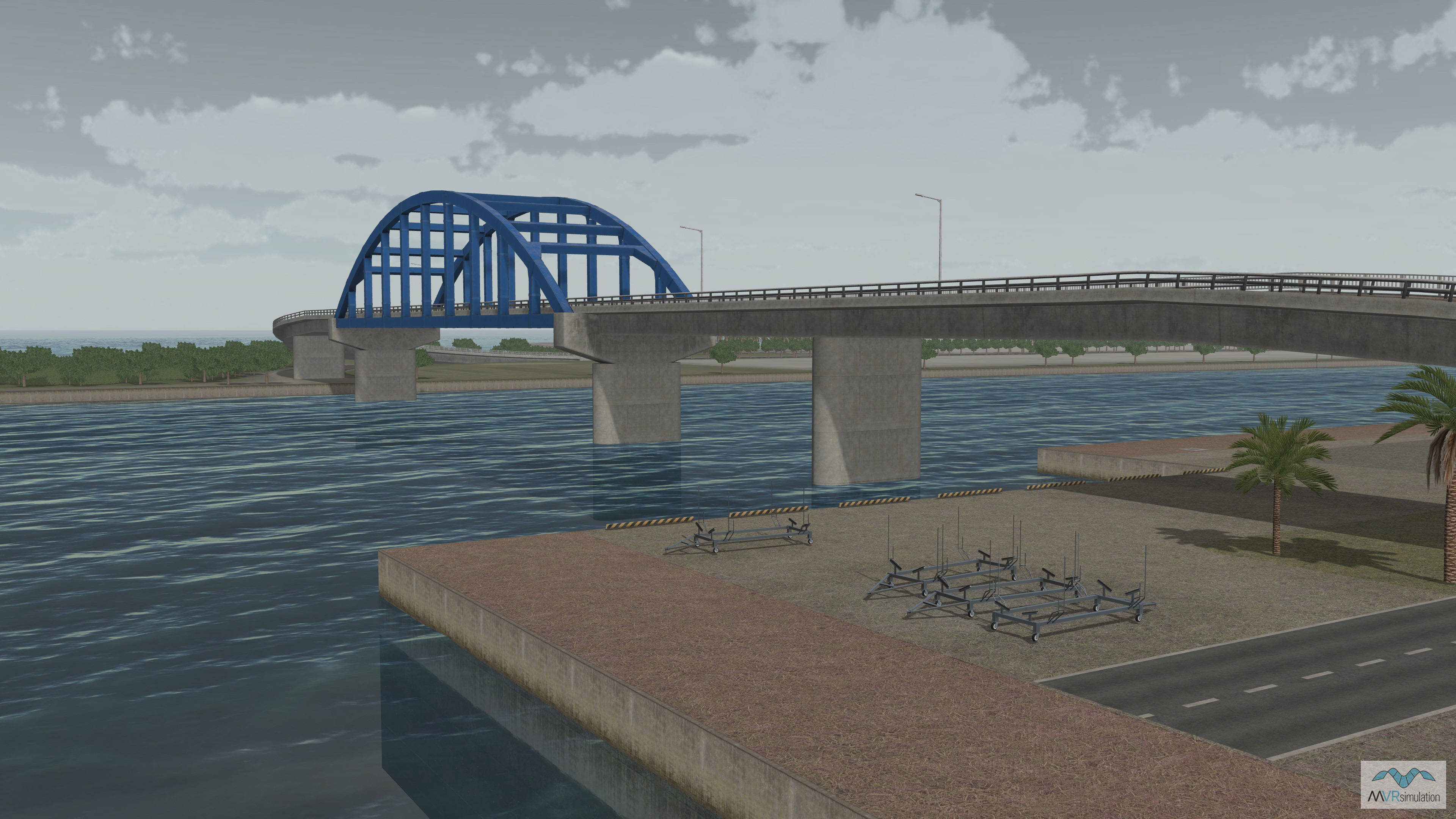
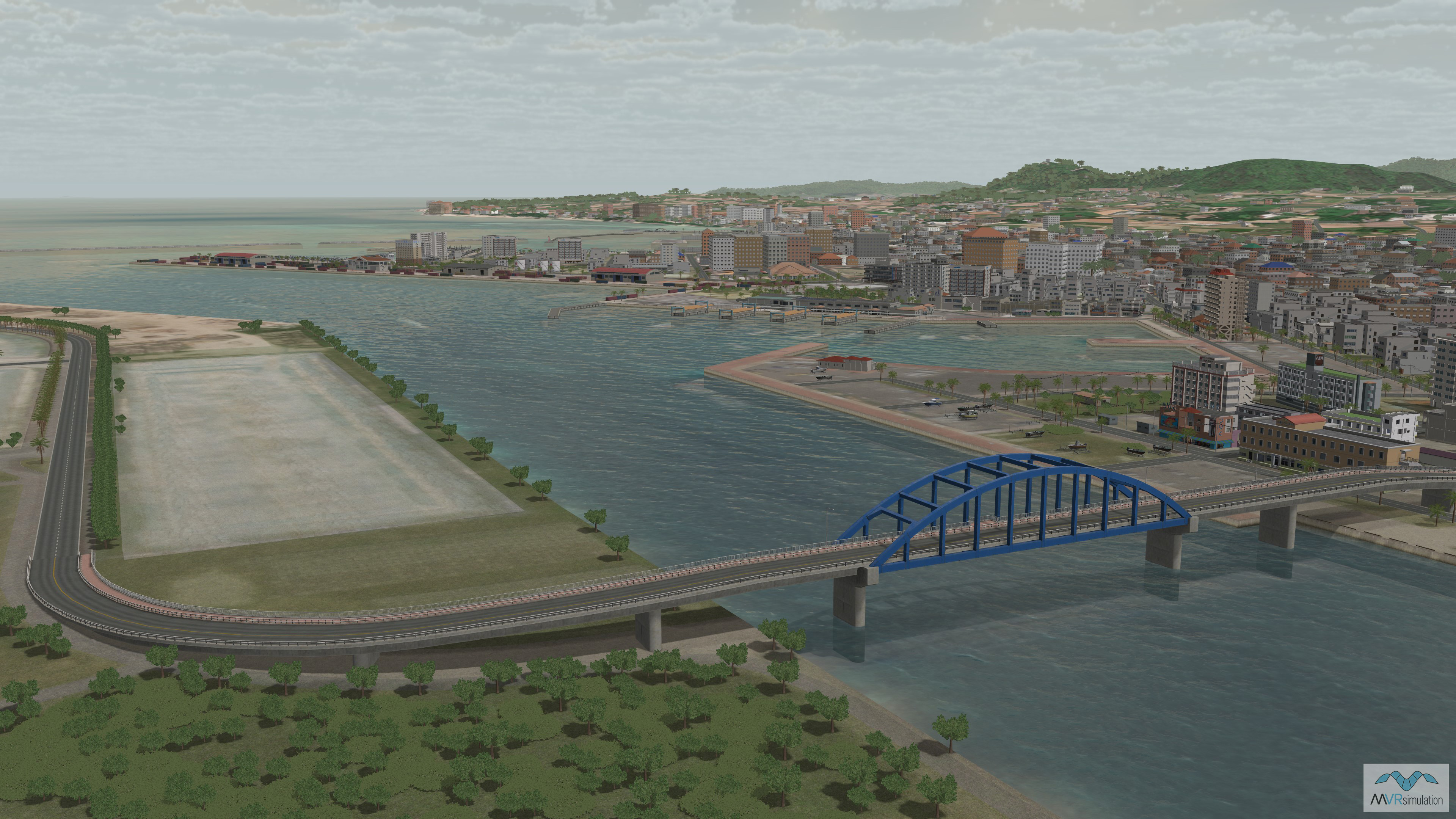
Custom modeled replica of Southern Gate Bridge in Ishigaki, Japan.
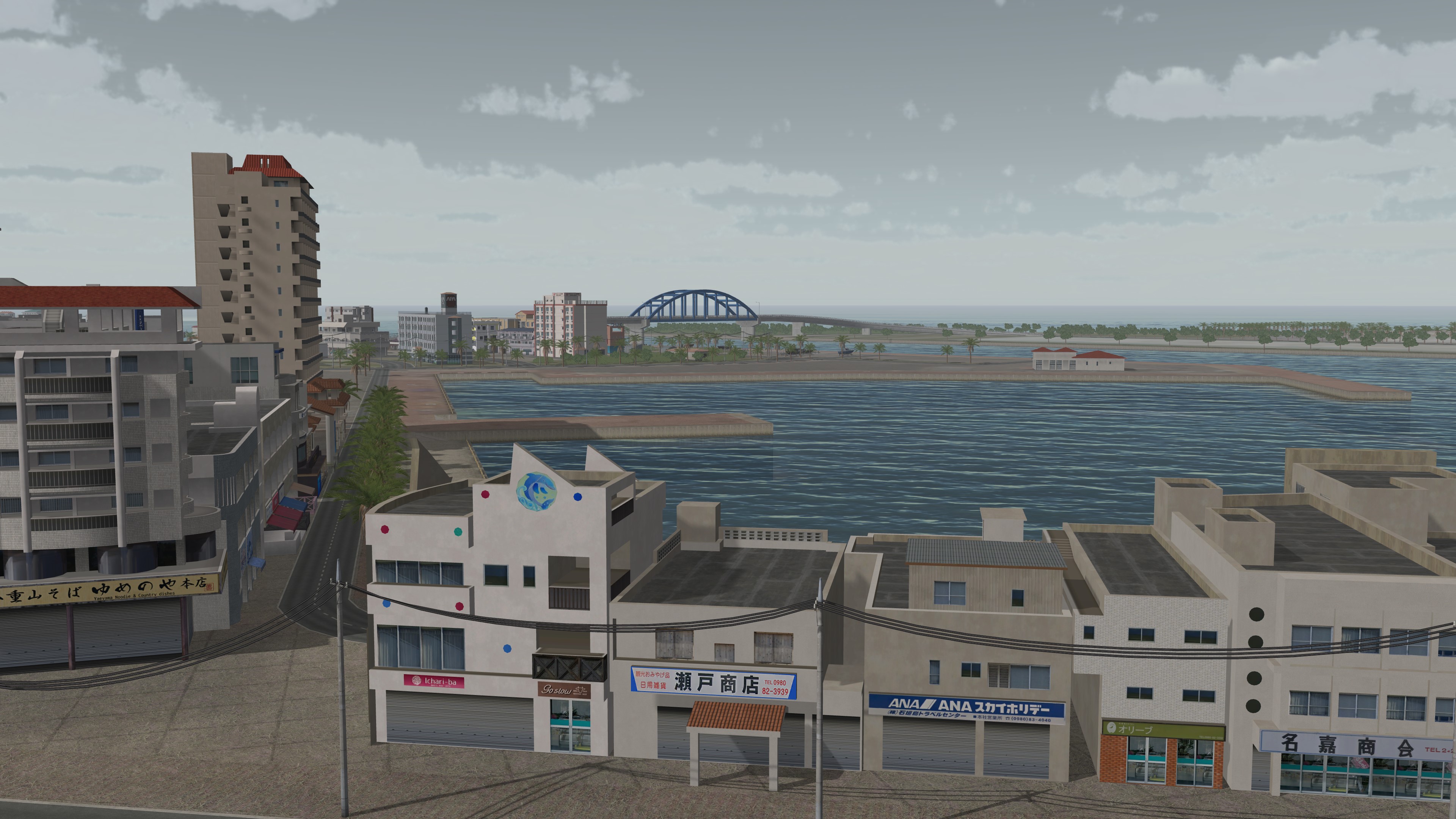
Geospecific signs on custom 3D building models at Ishigaki port.
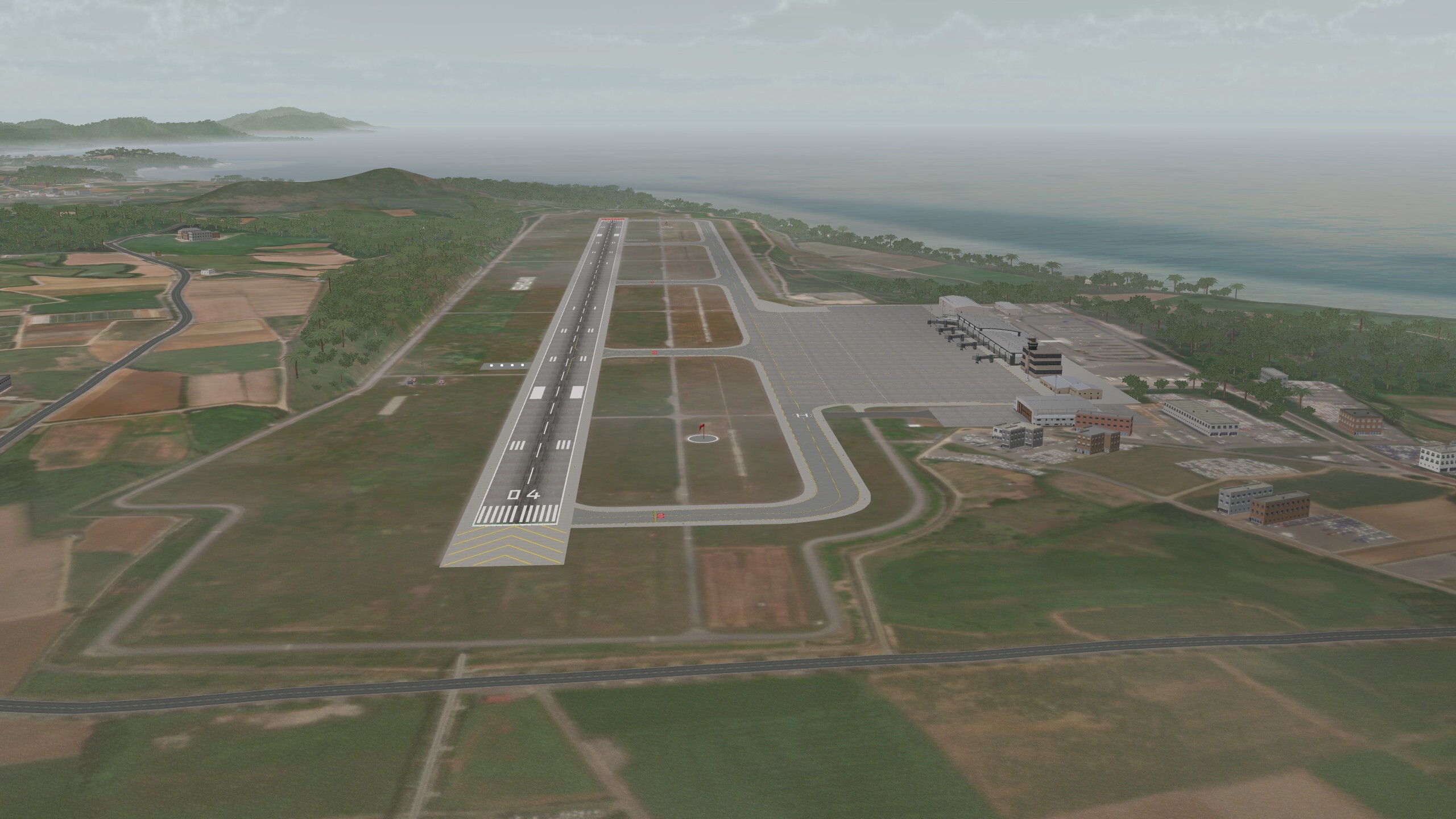
New Ishigaki Airport (ROIG) located on Yashima Jinko Island.
Related Terrain

EXTEND YOUR TERRAIN DATABASE


MVRsimulation Downloads Server

  • Explore and implement terrain updates
  • Download and use new 3D models
  • Stay up-to-date with VRSG features
  • Discover utilities for expanding VRSG
    Filler for Spacing

Request Account

MVRsimulation Regional Terrain Drives

  • External hard drive - regional terrain
  • Network attached storage device - whole-world terrain
  • Ready for plug and play
  • Available to customers on active maintenance
    Filler for Spacing

Request Drive

MVRsimulation Produced Custom Terrain

  • Custom terrain created by MVRsimulation's terrain team
  • Specify your desired area of interest
  • Identify needed terrain features
  • Use your own or commercially available imagery
    Filler for Spacing

Request Quote

Create Terrain with Terrain Tools

  • Build real-time 3D terrain for VRSG using GIS technology with ArcGIS Pro
  • Designed to be user-friendly for users with basic ArcGIS knowledge
  • Use imagery, elevation, and optional vector data to create terrain
  • Compile buildings from 2D polygon footprint features using a CityEngine rule package
    Filler for Spacing

Terrain Tools

3D Terrain Database Catalog

Access our complete list of VRSG-ready Areas of Interest (AOI) without an internet connection. The 3D Terrain Database Catalog is designed for reference within secure facilities. Download and print this document to keep MVRsimulation’s global terrain data at your fingertips. For more information about acquiring these AOIs for immediate use, see the Download or Obtain tabs in this section.

Terrain Catalog